A couple of people have recommended LM Studio to me in the past week, so I downloaded it tonight. The application lets you experiment with packaged Large Language Models on your local PC without sending any data onto the internet.

Setting it up is really easy, with downloadable installers for Windows, M-series Macs and Linux. There are packages for dozens of different models, both generalized and specialized, including Meta’s Llama, Microsoft’s phi-2 Small Language Model, and lots of others. LM Studio itself is tiny, but the models can be several gigabytes each with different varieties of compression and quanitization. Downloading them is as easy as searching the integrated HuggingFace repository and downloading the model you want to try. Compatible models are provided in the GGUF format.
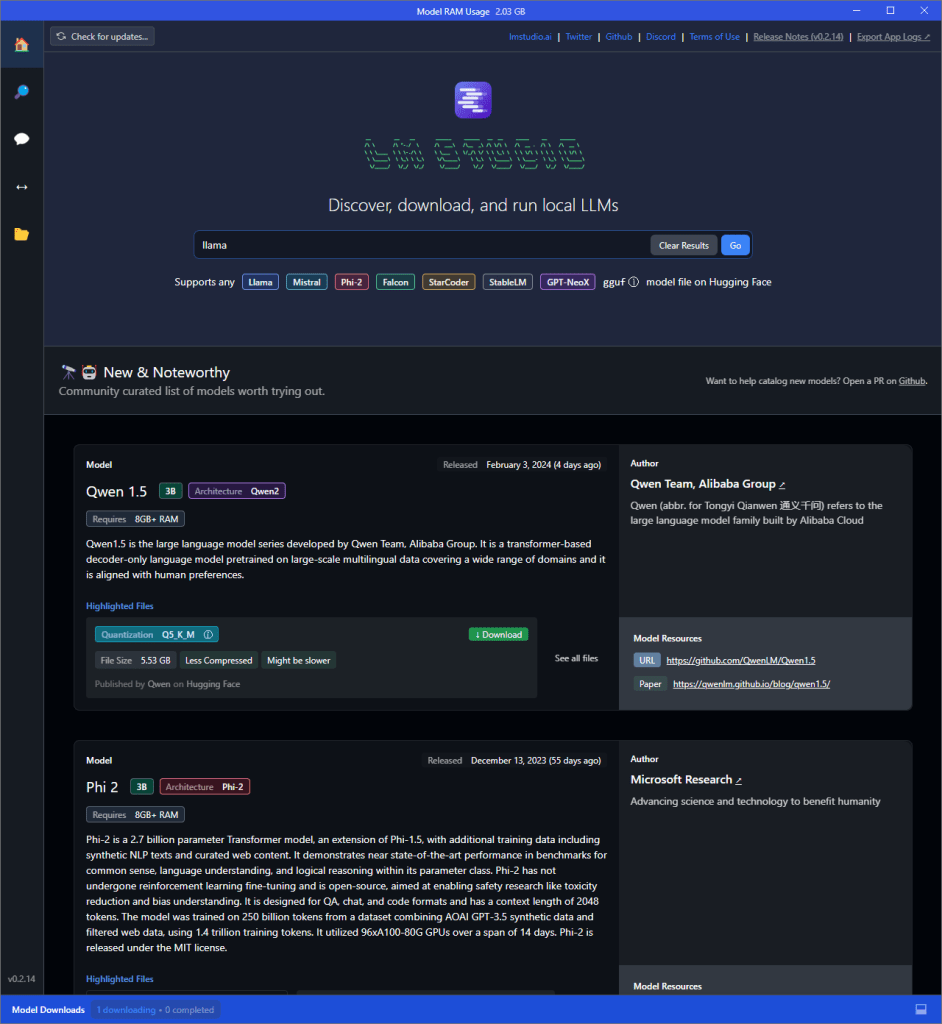
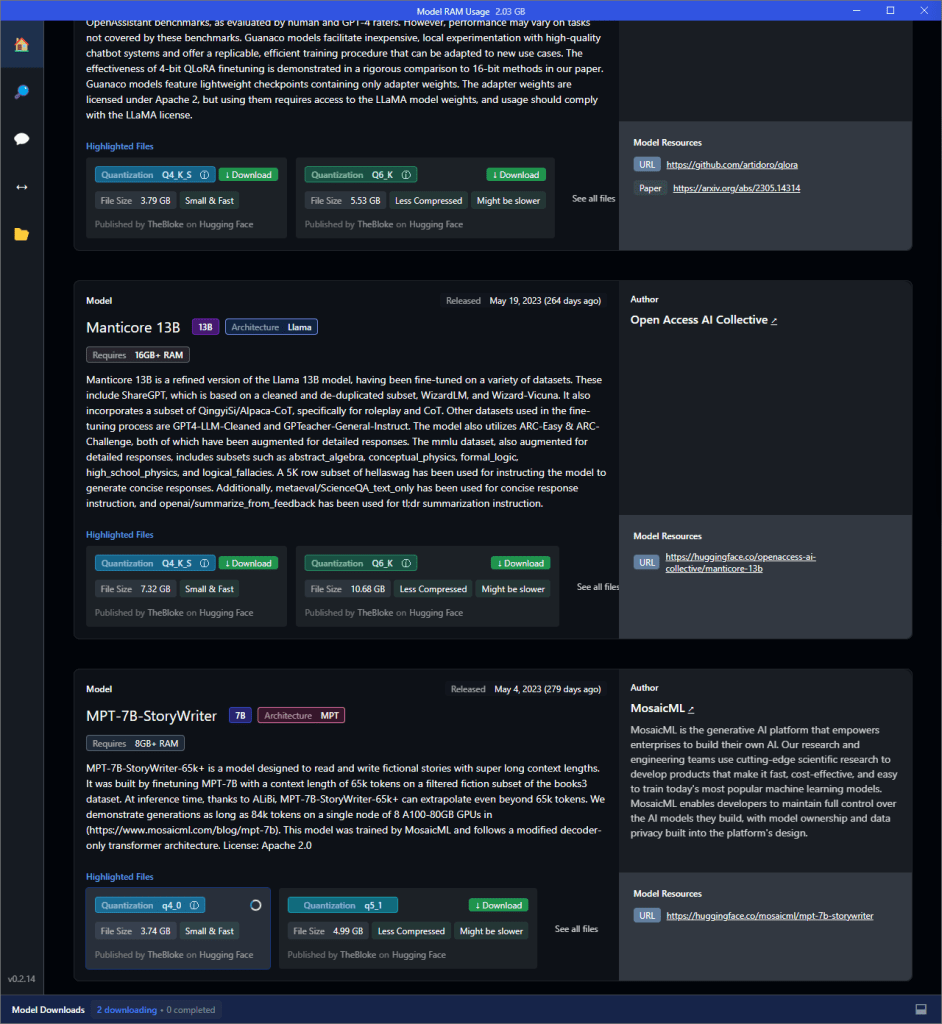
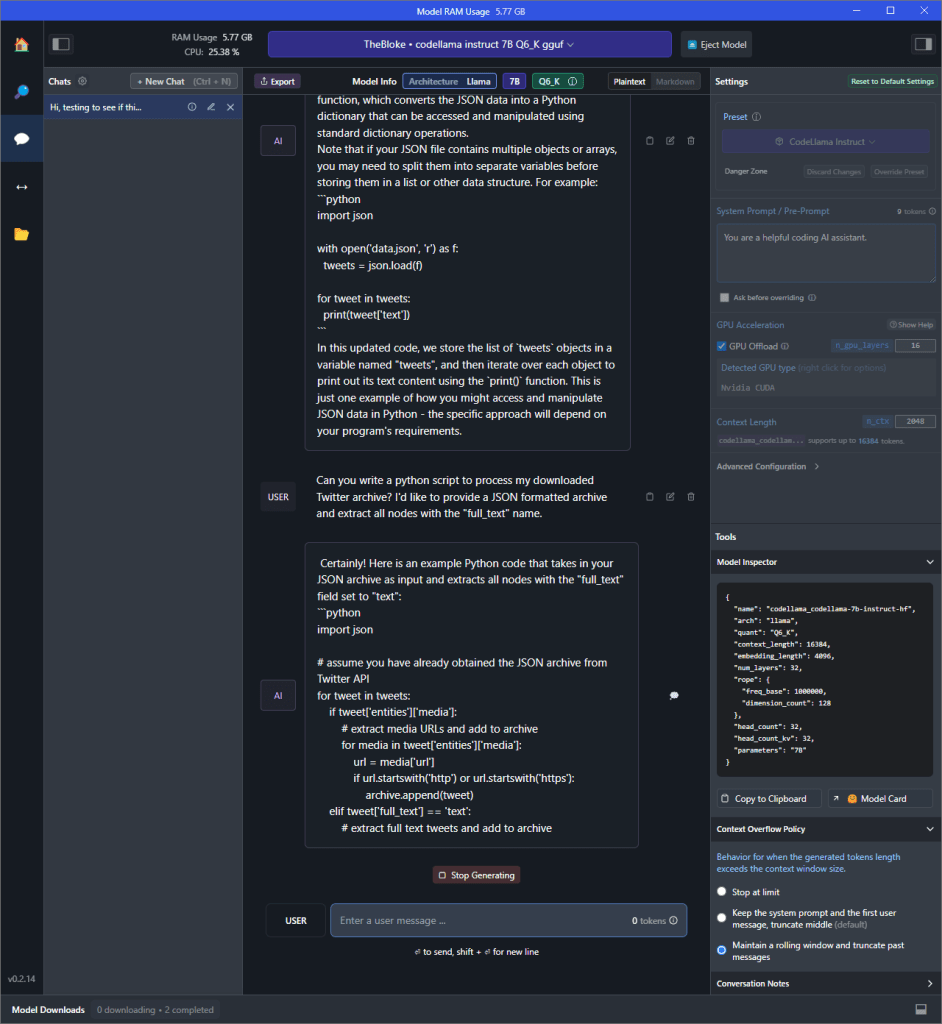
What’s really great is that, once you’ve downloaded the model, you can enter the chat area and play with different parameters — or just chat with the model directly. You can adjust how aggressively it uses the system’s GPU for acceleration, and provide system and assistant messages easily through the UI.
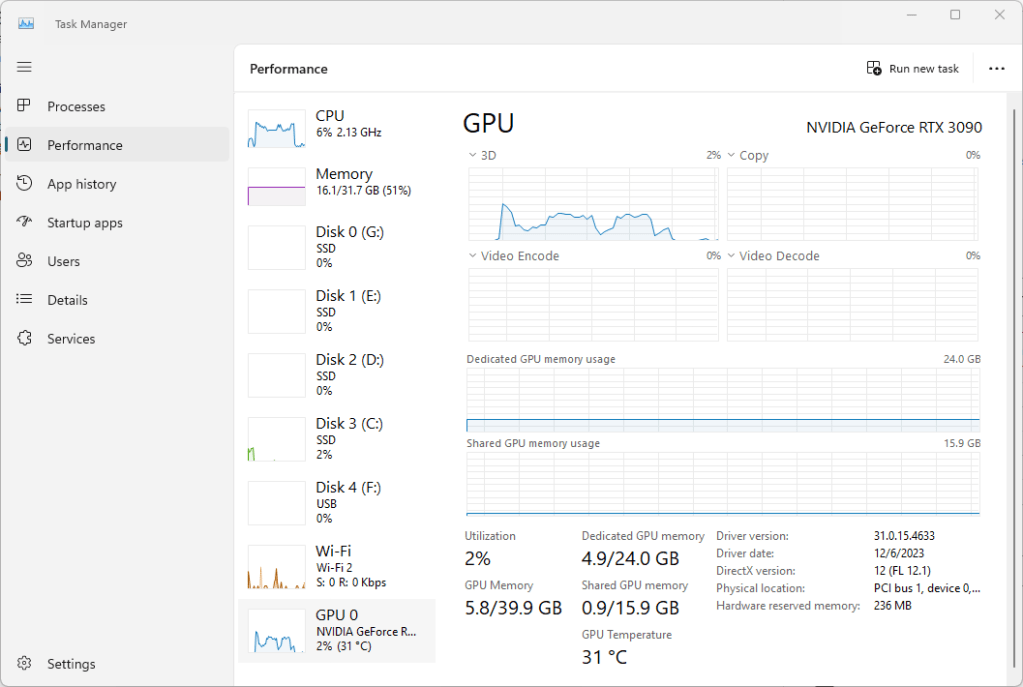
Performance was great on my test system, an Intel i5-12600K with 32 GB of RAM and an Nvidia 3090 with 24GB of VRAM. Of the models I tested, CodeLlama Instruct was slower and consumed the most VRAM (about 6 GB), but the performance was completely acceptable, very much in line with what you’d expect from ChatGPT. Microsoft’s open-source Phi-2 model used closer to 2 GB and was faster still, but hasn’t been tuned with human feedback yet. Both gave me very comparable answers to my JSON parsing challenge question (in fact, they gave me almost identical answers, but it was also a pretty straightforward question).
Aside from the privacy and cost (free!), the other great thing about LLM Studio is that it can run a local server that emulates OpenAI’s API, essentially giving you a portable development environment that’s both free and easily adapted to any of the installed models.
There aren’t currently any image-generation or manipulation models, only text.
The UI for all of this functionality is surprisingly approachable and clean, with a homepage focused on model discovery and clear links to the support Discord and all of the different parameters to play with.
I’ve just spent an hour or so with LM Studio, but so far I’m very impressed. It’s a great platform, and I’m looking forward to seeing how it continues development in the coming months.
I’ll test next on my laptop, which has a 2060 Super and an AMD R9 4900HS.






 clontzville.com
Leave a comment